Resources / Vibe code your CRM
Describe your business.
Claude Code tailors Aspen CRM.
Aspen ships with an opinionated, enterprise CRM data model intended to be extended. Instead of clicking through admin screens, you can describe how your business actually works to Claude Code. Claude reads Aspen's metadata and builds the objects, fields, logic, and user interfaces to match.
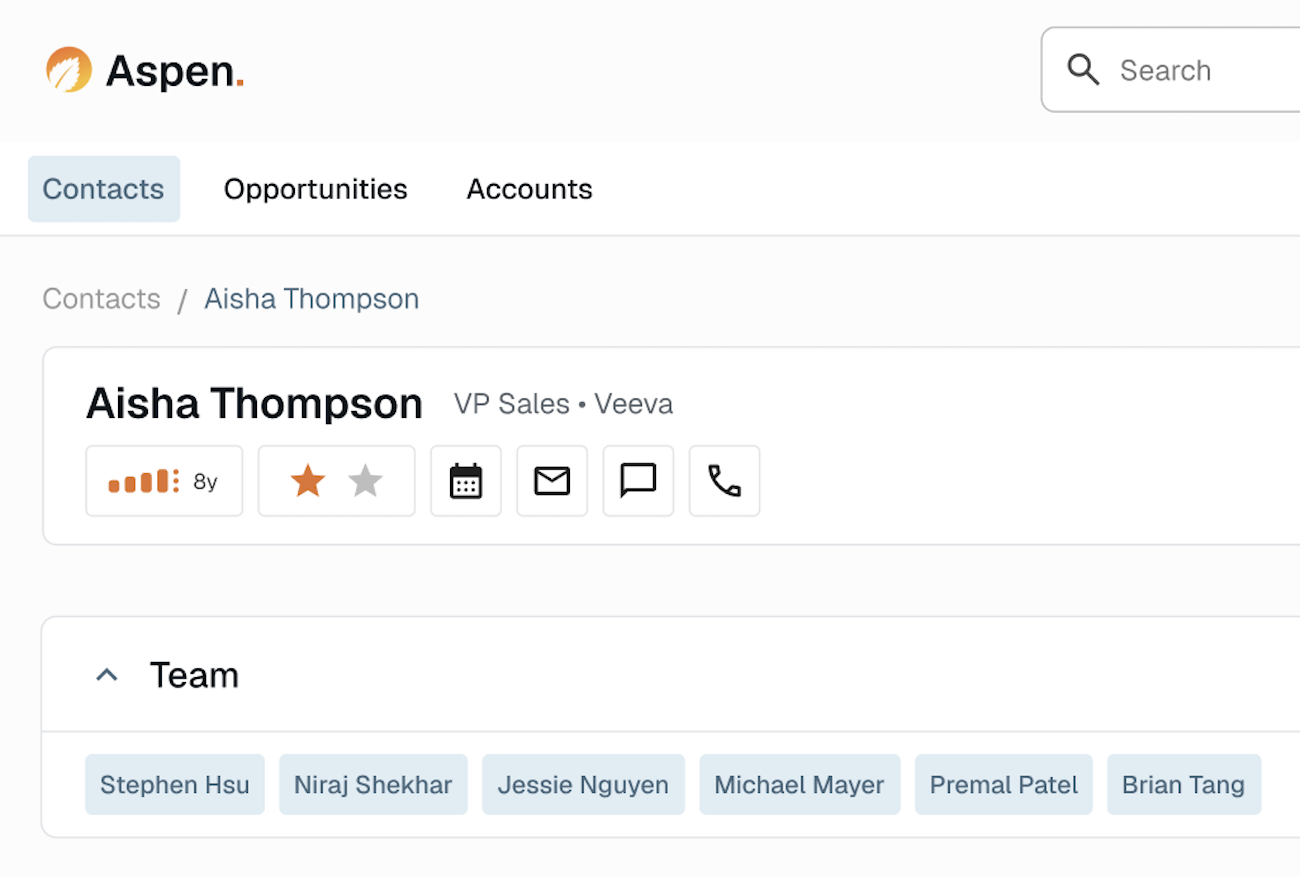
Step 1 · Read
Claude reads your data model before it touches anything.
Every Aspen instance exposes its own schema through the Describe API: every object, field, picklist, and permission currently in place, and any custom objects you've already added. Claude Code queries this first and abides by the Aspen metadata guardrails, so it always proposes appropriate changes to your schema.
Step 2 · Build
Then it writes the objects, fields, and layouts you asked for.
Custom objects, fields, picklists, and layouts are all metadata: plain, version-controlled definitions, not rows hidden in an admin UI. Claude Code authors that metadata directly, the Aspen Compiler validates it, and it's checked into git like any other change, so you can diff, review, and revert it the same way.
Step 3 · Enforce
Finally, it implements the rules and triggers to match your business needs.
Need to protect the integrity of your data or trigger a workflow? Claude Code implements approval chains, compliance checks, or cross-object validation by writing native Rust triggers, compiled to wasm and run directly by the platform.
The CRM you actually need, not the one you have to configure around.
See the full data, structure, and security model behind this, or join the waitlist to try it with your own business once Aspen launches.